
Dhoni's advice to young players
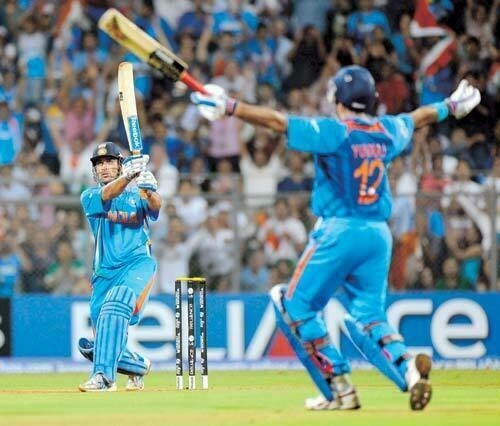
Of all the sportsmen, I admire MS Dhoni and Brian Lara the most. Whether India wins or not, I try to hear his words and learn from his temperament. Found this wonderful interview of Dhoni where he talks about the role of mind, and gives advice on how to be a better player. These advice apply as well to other things as to cricket.
What advice would you give to a young player who wants to improve his game?
First and foremost, I would tell him that he must love and enjoy his sport. If …
